Choose who needs access
Open Team and review the available roles. Give each person the role needed for their job, such as administration or responding to customers.
Keep account and billing administration with the people responsible for it.

Set up roles, agree who owns each conversation and make handoffs clear.
Open Team and review the available roles. Give each person the role needed for their job, such as administration or responding to customers.
Keep account and billing administration with the people responsible for it.
Use the Team invitation flow with each teammate’s work email. Ask them to follow the invitation and sign in with their own account.
Individual accounts help your team understand who handled a conversation.
Open the Inbox and decide how your team will pick up replies. Use assignments and tickets where appropriate so an enquiry has a clear owner.
Write down when to transfer a conversation, when to open a ticket and what a resolved enquiry looks like.
Have a teammate open a test conversation, review the history and practise a handoff. Check that access matches the intended role.
Review waiting conversations regularly and tell customers what to expect outside support hours.
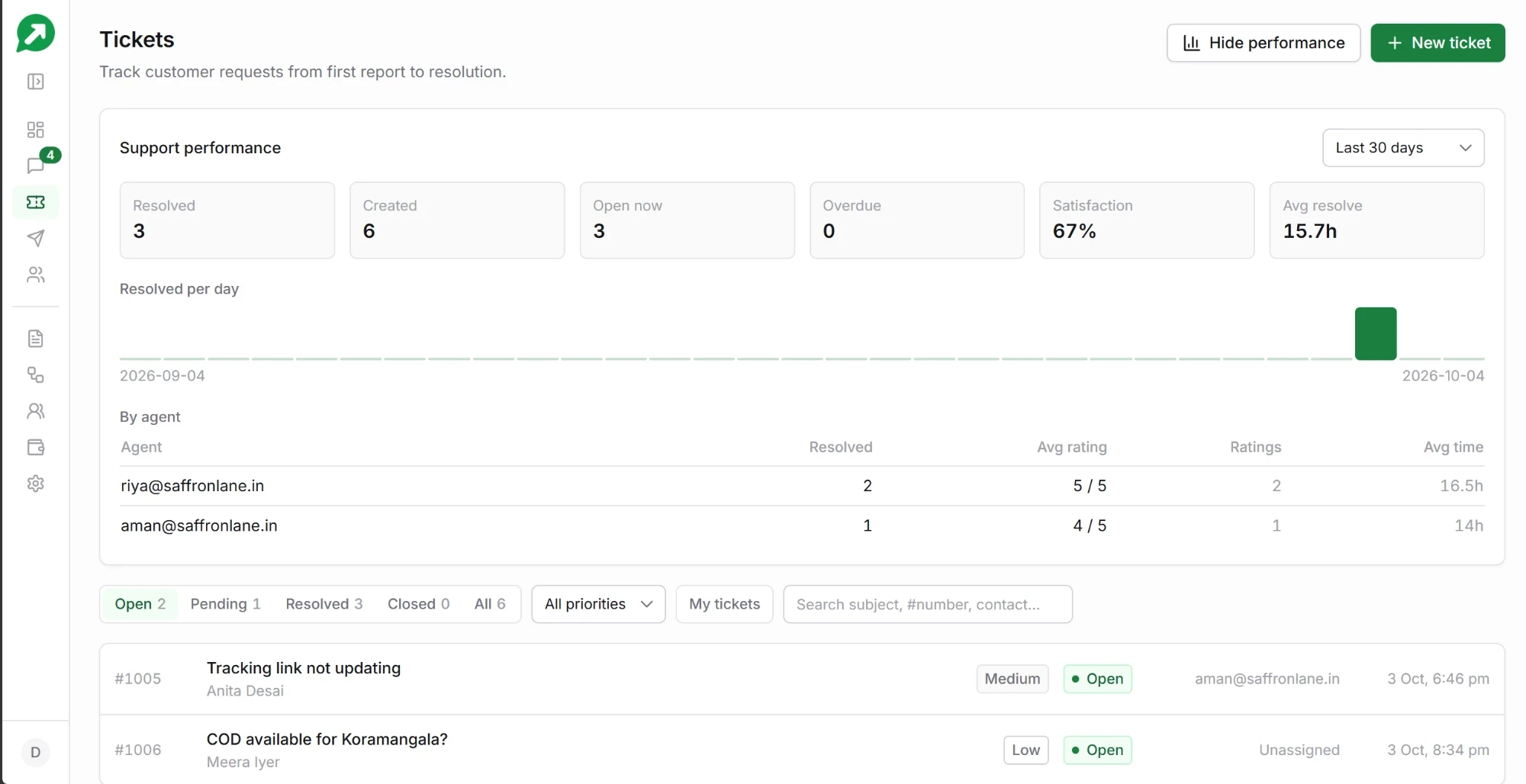
Product preview with example data
Explore the shared inbox with a dedicated guide and product walkthrough.
Explore the shared inboxCreate your free account, connect the WhatsApp number you already use, and send your first message today. Your first 100 messages carry no platform fee. Meta charges apply separately.
No card · No base subscription · Meta Tech Provider