STEP 01Bring in the right contacts
Open Contacts and import your customer CSV. Check country codes, column mapping and duplicate numbers. Use tags to create a focused audience.
Only include customers who have agreed to receive these messages. Purchased lists are not a useful starting point.
STEP 02Choose an approved template
Open Templates to find or prepare the message. Select the appropriate category, add the content and submit it for Meta’s review where needed.
Approval time varies. Do not schedule your launch around an assumed approval deadline.
STEP 03Create and preview the campaign
Open Campaigns and choose New campaign. Select the connected number, audience and approved template. Map variables to the right contact fields and review the message.
Send a small test to your own opted-in test contacts before a larger launch. Check names, links and formatting.
STEP 04Send, then follow the replies
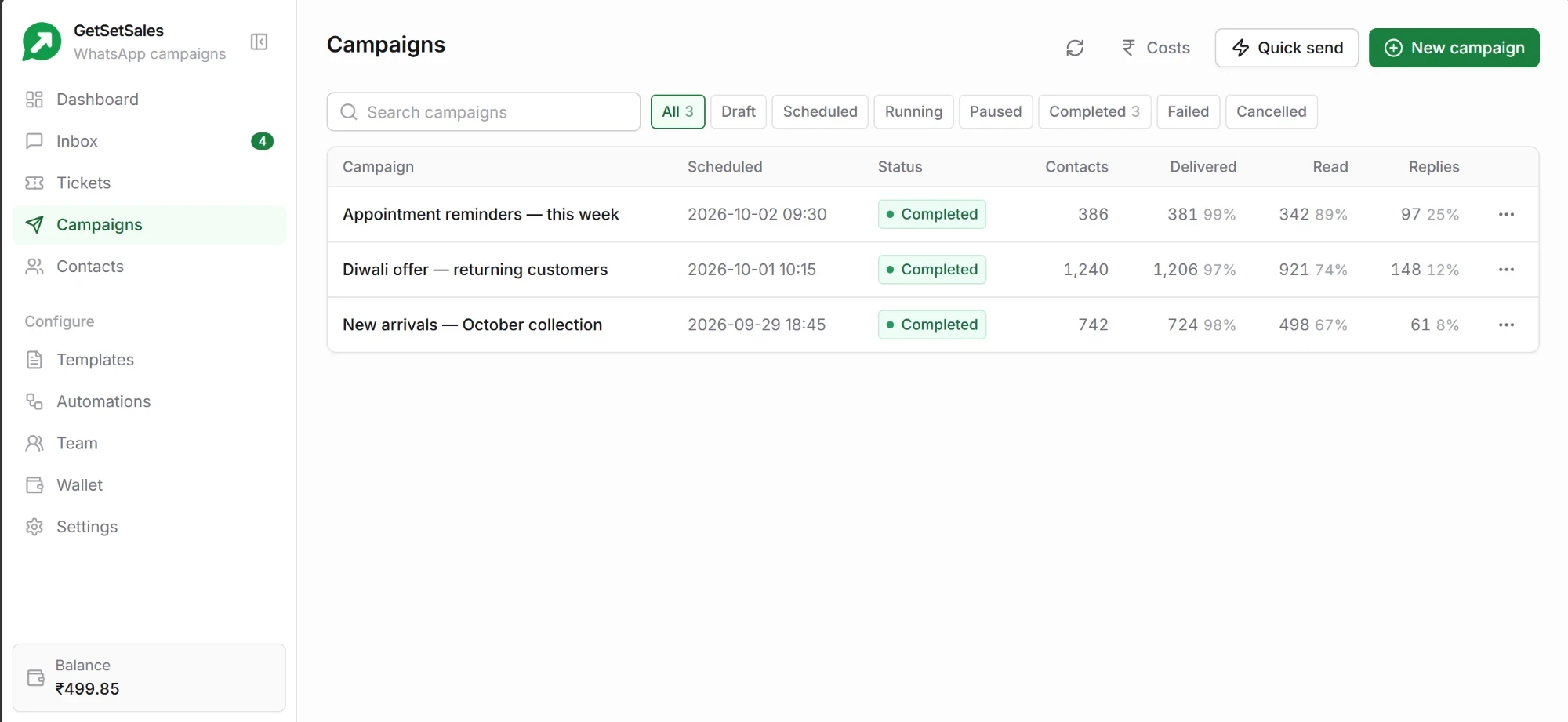
Choose send now or schedule after reviewing the audience, estimated cost and timing. Track delivery, reads and replies on the campaign results page.
Open the Inbox to answer customers. A campaign is the start of a conversation, so plan who will handle replies.
Swipe sideways to see the whole screen
Product preview with example data