STEP 01Pick one useful job
Start with a question you answer every day: opening hours, order enquiries or course information. Write a short answer and decide when a person should take over.
A focused flow is easier to test and understand than a large menu covering everything.
STEP 02Choose a template or build a flow
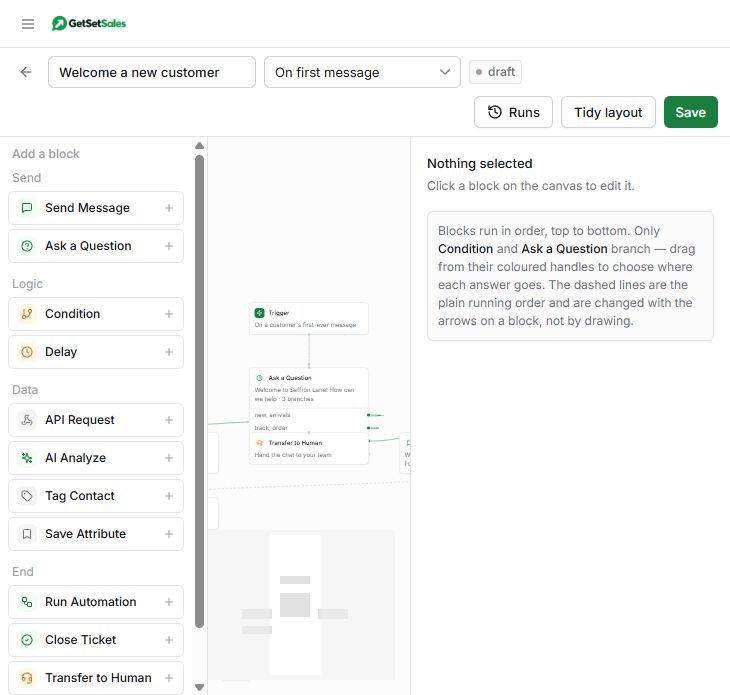
Open Automations. Start from an available template or use the visual builder. Add messages and questions, then connect the answer branches.
Use short messages and a small number of clear choices. Explain what happens next.
STEP 03Add the human handoff
Create a path for customers who need help your flow cannot provide. Use the handoff blocks and customer tags appropriate to your workflow.
Tell customers when your team is available. Avoid promising an immediate response outside working hours.
STEP 04Test before enabling
Walk through every branch with your test contact. Check unexpected replies, repeated questions and the handoff. Enable the flow only when those paths work.
After launch, review conversations in the Inbox and improve the flow when customers get stuck.
Product preview with example data